Google's Home MCP lets Claude and other agents turn your lights off, but not unlock doors
Google's setup page tells you to warn the other people in your house that your agent can now read their home data.
Google has a Model Context Protocol server for your house. Home MCP is in Early Access, and it hands an agent the rooms, the live device states, the event history and the switches.
The agent doesn't have to be Google's. The setup page names Google Antigravity, Claude Cowork and OpenClaw, and it carries a last-updated date of September 15, 2026.
- Server
- Home MCP, Early Access
- You need
- an active Google Home Premium Advanced subscription
- Clients named
- Google Antigravity, Claude Cowork, or OpenClaw
- Blocked
- sensitive actions like unlocking doors
- Not yet
- creating and managing automations with Home MCP
What an agent gets
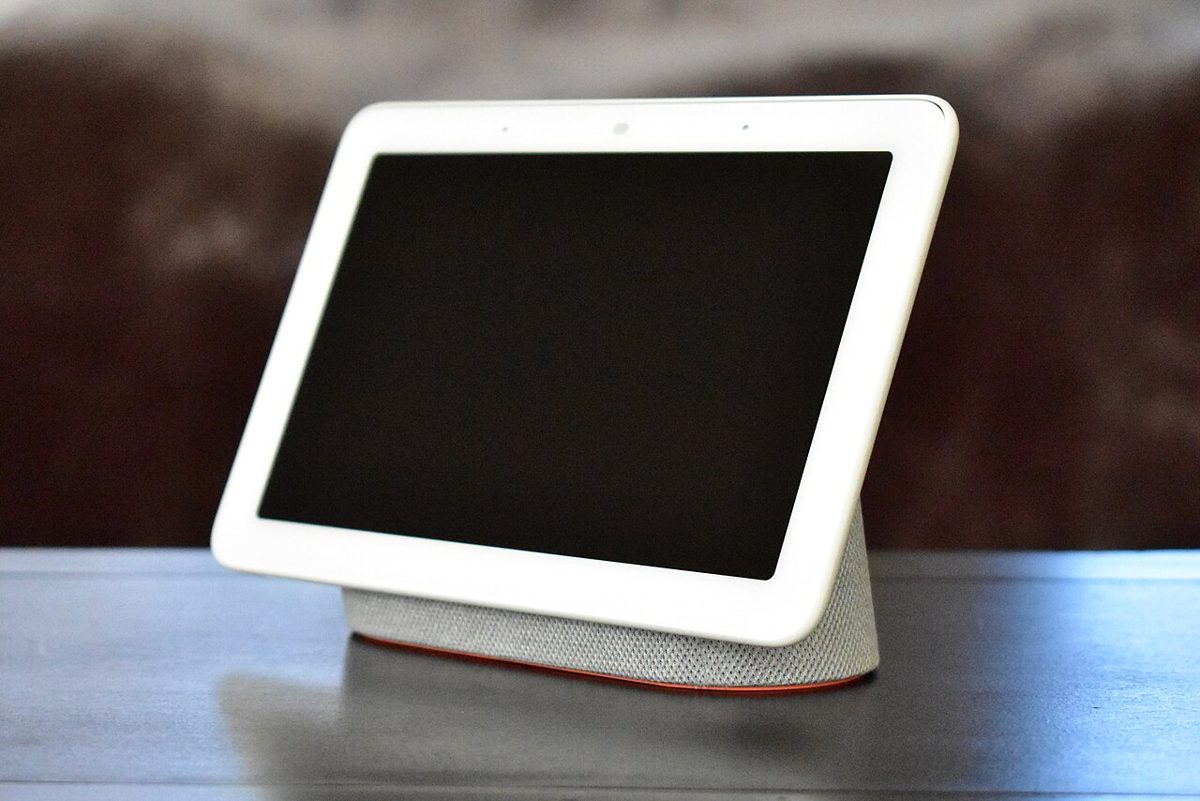
Five tools, and Google's own sample prompts say what they're for. One lists the rooms and devices, so you can ask how many lights you have. One reads live state, so you can ask whether the house is secure. One runs commands, which is how an agent turns off all the outside lights. The last one reads the event log and answers what happened while you were out.
Before any of the setup steps, the page stops to warn you.
Connecting a real-life home to an AI agent allows that agent to control devices on your behalf
Rate limits apply, and some actions stay off the table whatever your agent asks for.
prohibiting sensitive actions like unlocking doors
The people you live with
Google's instructions cover this, which I didn't expect from a developer page. If you connect a home that other household members use, the docs tell you to inform them that your agent can control devices and read home data. The alternative they offer is creating an additional home and setting up devices for development and testing. Access can be revoked at any time from the Google Home app.
Camera faces are fenced off on their own. To reach familiar faces data an agent needs separate, explicit consent, and the person giving it has to manage the home structure and have a compatible Nest camera or doorbell with familiar face detection switched on. Consent happens through a link built from your own client ID and the structure's ID.
What's missing
Getting in takes a Google Cloud project, the Home API enabled on it, and an OAuth client you create and publish yourself. So this isn't a switch in the Home app yet.
Automations are the hole. Creating and managing them through Home MCP isn't supported, and Google lists latency and experimental traits under known issues. It says automations support is coming in a future release, and doesn't say when.
More on Google
- Google will switch Gemini and Search off for K-12 students until schools turn them onNovember 4, 2026
- Sundar Pichai says Google is pretty far from the end state of self-improving AIOctober 24, 2026
- The US sanctions MiraclePlus, the Beijing investor that backed a convicted ex-Google engineer's startupOctober 20, 2026
- Google DeepMind says four Gemini 4 Argon agents beat Minecraft on their own in 27 hoursOctober 19, 2026