Gemini skills replace Gems in November: what changes and what doesn't carry over
Your Gems convert automatically, but Deep Research and Canvas don't work inside a skill yet.
Google started rolling skills into Gemini chat on September 30, 2026, and said in the same post that they'll replace Gems. A skill is a saved set of instructions you call up by typing a forward slash and its name in any chat. Gems did much the same job. Google's pitch for the swap is that a skill works in the chat you're already in, without switching tabs.
Gems go away first for personal accounts, in November. Google says it'll turn your Gems into skills automatically when that happens, so nothing has to be copied by hand.
- Gems end for personal Google accounts
- Workspace business, enterprise and nonprofit
- Workspace education accounts
What's different about a skill
Gemini can apply a skill by itself when your prompt matches it, and you can stack several in one chat, say a writing-style skill with a brand-guidelines one. There's no per-skill page of past chats the way Gems had; those chats just sit in the side panel. You can create as many as you like, though only 100 can be active at a time.
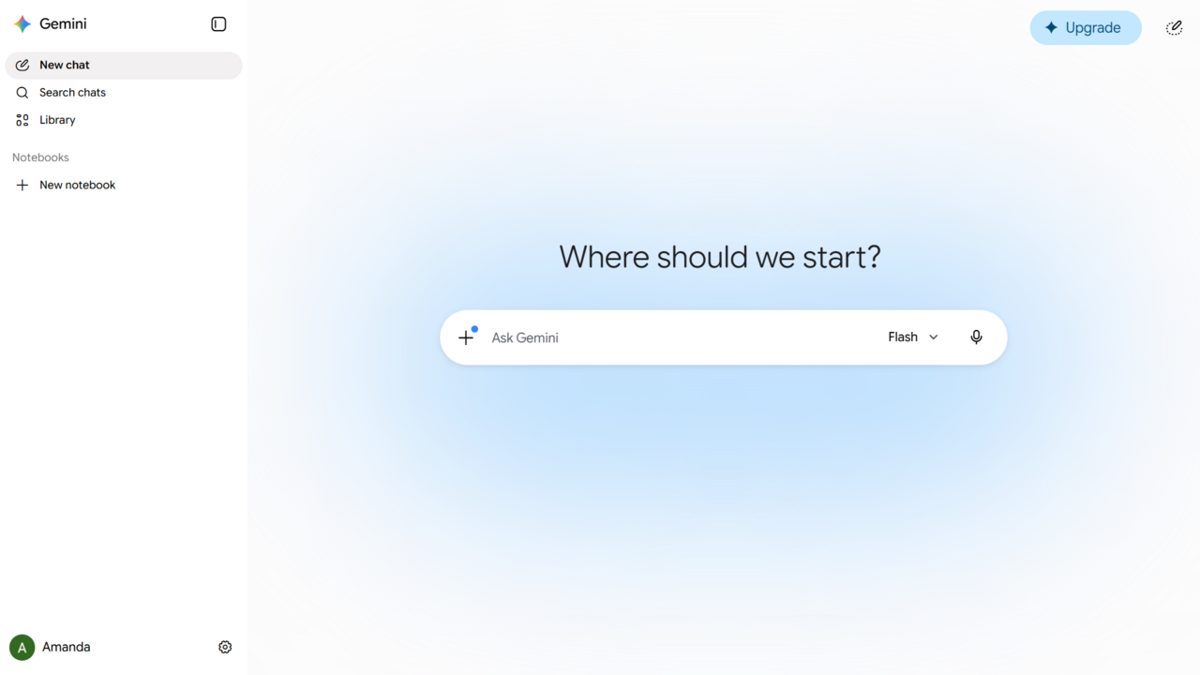
You need to be 18 or over and signed in with a personal Google account to use them. Keep Activity has to be on, too, which is easy to miss. Work and school accounts can't create skills yet (Google says they're coming).
Skills also travel. You can upload a skill as a folder with a SKILL.md file in it, and Google says skills made on other platforms can be imported that way. Moving a Gem over by hand works the same way: you download the new skill as a .zip, put the Gem's files beside its SKILL.md and upload the folder (whose name has to match the skill's, in lowercase with hyphens).
What doesn't carry over, at least not yet
Most of the built-in tools a Gem could use don't work inside a skill. The help center lists them.
For now, most default tools that are available in Gems do not work with skills
Video and music creation are on it, along with Canvas and Deep Research. Guided Learning is out too. Sharing a skill and adding files from Google Drive or Gemini Notebook are promised "in the coming weeks", which matters if you've been sharing a Gem with other people. GitHub files aren't supported in skills at all for now.
Two other things end in November. Opal, Google's experiment for building mini apps, turns down, and so do the Gems made by Google Labs, which a footnote on the blog post says won't migrate into skills.
Google's help page for creating skills lists two known bugs as of October 1, 2026: skills created manually won't save in the Gemini mobile app, and skills with uploaded files can't be edited on mobile or on the Mac app. Google points people to the web app at gemini.google.com for both.
More on Google
- Gemini 4 Argon is out to cyber defenders only, with paid API and Ultra nextOctober 1, 2026
- Google DeepMind can now watermark AI-designed proteins, and the mark survives in the physical moleculeSeptember 30, 2026
- Current Google DeepMind and OpenAI researchers say on camera that AI could end humanitySeptember 30, 2026
- Gemini Call for Me phones businesses from your own number and opens by saying it's AISeptember 29, 2026